Guides · · 8 min read
WiFi or 4G Trail Camera? What Really Works
Most WiFi trail cameras only transmit over a few metres. Find out when you need 4G, when a camera without a network is enough and which model suits which use.
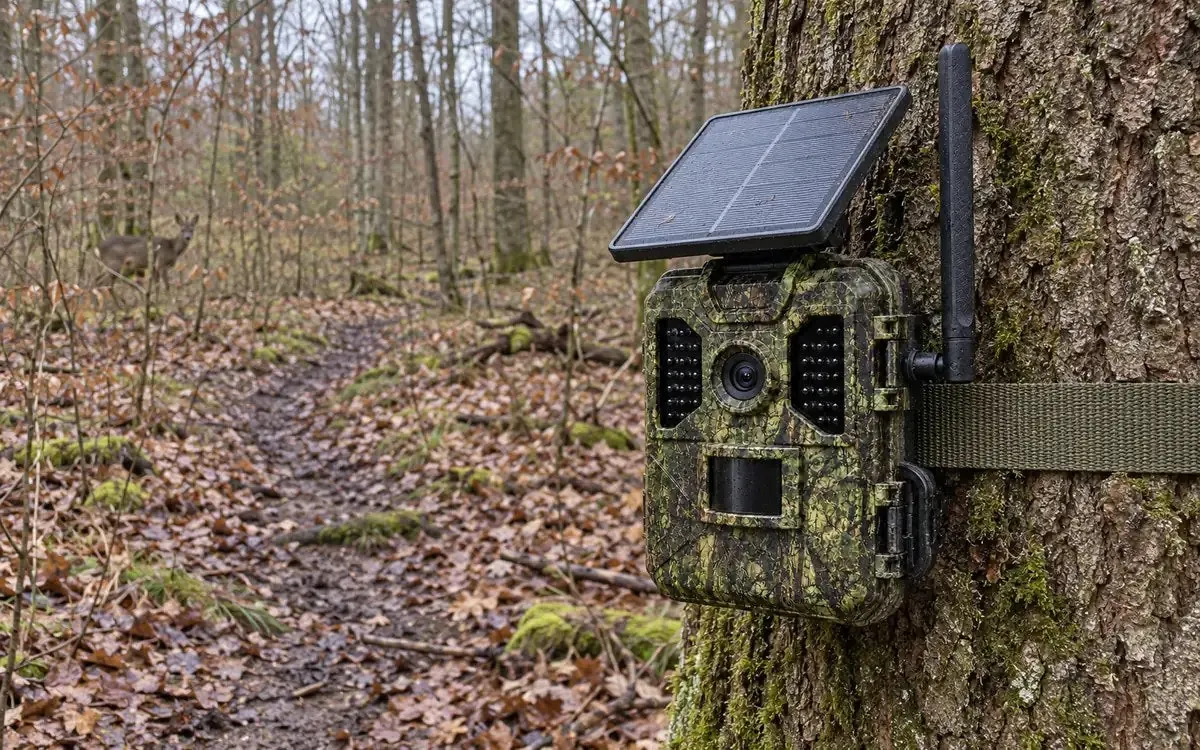
A trail camera with WiFi usually only transfers pictures over a short distance: the camera opens its own hotspot and you download the photos to your phone from a few metres away. If you want to receive pictures on the go or at home while the camera hangs in the woods, you generally need a 4G trail camera with a SIM card. Here you will learn how WiFi, Bluetooth and 4G differ and which solution suits the way you use your camera.
What a WiFi trail camera really does
The term suggests pictures on your phone wherever you are. In practice, many WiFi trail cameras work differently. They do not connect to the internet; instead they create their own small wireless network right at the camera. The process usually looks like this:
- You walk to the camera.
- You switch on the camera’s WiFi, by button, menu or app depending on the model.
- Your smartphone connects to the camera’s hotspot.
- You browse the captures in the app and download the pictures you want.
The advantage: you do not have to take the camera down, open it or remove the memory card. There are no ongoing data costs. The drawback: you still have to go there. The range of such a hotspot is usually only a few metres. Trees, terrain and the housing weaken the signal further. You will not get an alert when an animal walks past this way.
WiFi or WLAN trail camera: two names, one technology
WLAN is the term used in many European product descriptions for what we call WiFi. A “WiFi trail camera” and a “WLAN trail camera” therefore mean the same thing. Read the product description carefully to see whether the camera only offers a local hotspot or can connect to an existing network.
Trail camera with Bluetooth
Bluetooth has an even shorter range and a low transfer rate. On trail cameras it is therefore mostly used to pair with your phone or to switch on the WiFi hotspot. Bluetooth is hardly suitable for transferring lots of photos, let alone videos.
WiFi trail camera on your home network
Some cameras can connect to your WiFi router at home. Then real remote access is possible, but only as long as the camera hangs within range of the router. That works in the garden right next to the house. In the woods, in a field or on a distant allotment there is generally no WiFi. Also bear in mind that a camera permanently connected to WiFi draws power constantly.
Wireless trail camera: what the term usually means
“Wireless trail camera” is not a fixed technical term. Retailers and users mostly mean a cellular trail camera that sends pictures over the mobile network. There are also systems with their own radio link to a receiving station, but they are less common. If in doubt, check exactly which technology is meant and what range is stated.
4G: real remote transfer
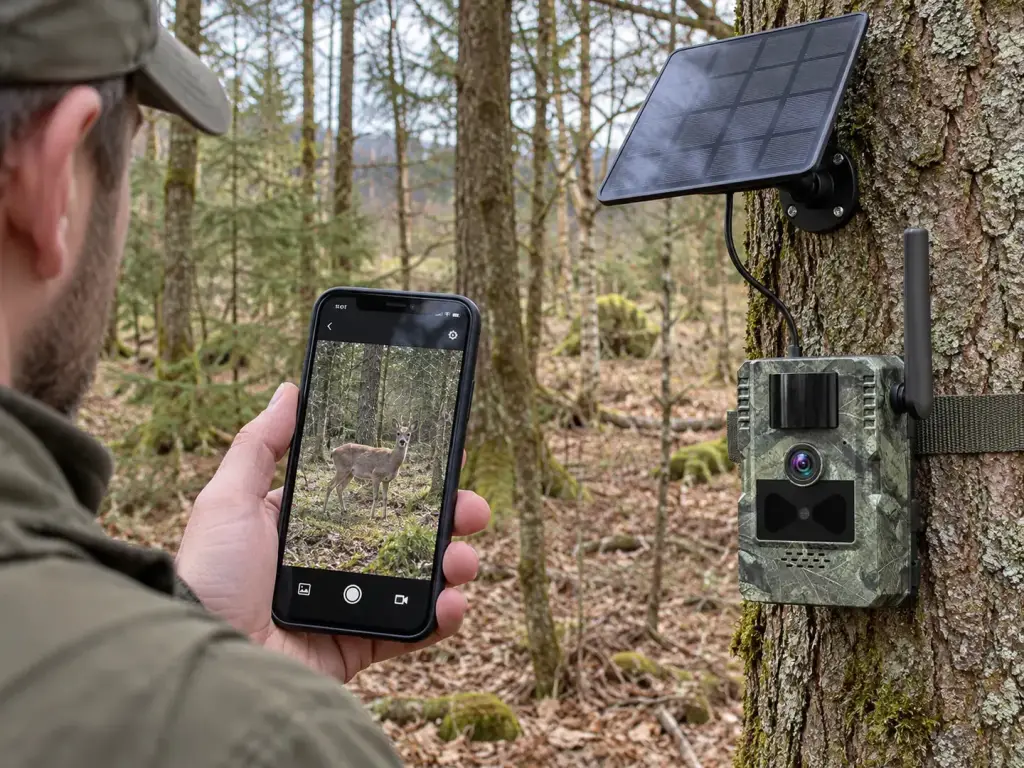
A 4G trail camera works like a small mobile phone. It has a SIM card and sends every capture over the mobile network to an app. You get a notification whether you are at home, at the office or on holiday. The camera can hang many kilometres away.
Three conditions apply:
- 4G coverage at the location: Check it beforehand with a phone on the same network.
- Mobile data: The camera needs a SIM card with a data allowance.
- Enough power: Sending uses energy. A solar panel supports the battery.
Expect delays when the signal is weak. The capture is then only sent once the connection is established, or it is only saved to the memory card. A good location is therefore just as important as the camera itself. Even a few metres higher or closer to the edge of the woods can improve the signal considerably. After hanging the camera, test the transfer with a few test shots before you leave.
We explain in detail which SIM card and data plan suit you in our guide trail camera with SIM card.
WiFi, Bluetooth, 4G or no wireless at all: the comparison
| Feature | WiFi hotspot | WiFi on home network | 4G (LTE) | No wireless (display and microSD) |
|---|---|---|---|---|
| Range | A few metres | Range of the router | Anywhere with 4G coverage | Only at the camera itself |
| Pictures remotely | No | Yes, within router range | Yes | No |
| Motion alerts | No | Depends on the model | Yes | No |
| Ongoing costs | None | No extra costs | Mobile data | None |
| Power consumption | Low while the hotspot is off | Higher due to the permanent connection | Higher due to sending | Lowest |
| Typical use | Occasional reading on site | Garden right next to the house | Hunting ground, woods, distant properties | Places without signal, simple observation |
How to tell what a camera can really do
Product names such as “WiFi trail camera”, “app trail camera” or “wireless trail camera” say little about how the transfer actually works. Ask yourself these questions before you buy:
- Does the camera have a SIM card slot? Without a SIM card there is no transfer over the mobile network.
- Which networks are supported? It should be 4G (LTE), as many European operators have switched off or are phasing out 3G.
- Where is the range stated? If a WiFi range is given in metres, it is almost always a local hotspot.
- Are there notifications? A push notification on movement requires an internet connection.
- What is in the box? Check whether the SIM card, memory card and solar panel are included or must be bought separately.
Power supply: the underestimated difference
Every wireless connection uses energy. A camera that only records to a memory card needs little power. A WiFi hotspot drains the batteries mainly when you use it often or for a long time. A 4G camera sends with every trigger and therefore needs more energy. With many triggers a day, batteries run flat quickly, especially in the cold. That is why both of our 4G models have a rechargeable 7,800 mAh battery and a 4 W solar panel. The panel helps with charging but should hang in a bright spot.
Trail camera without WiFi: when it is the better choice
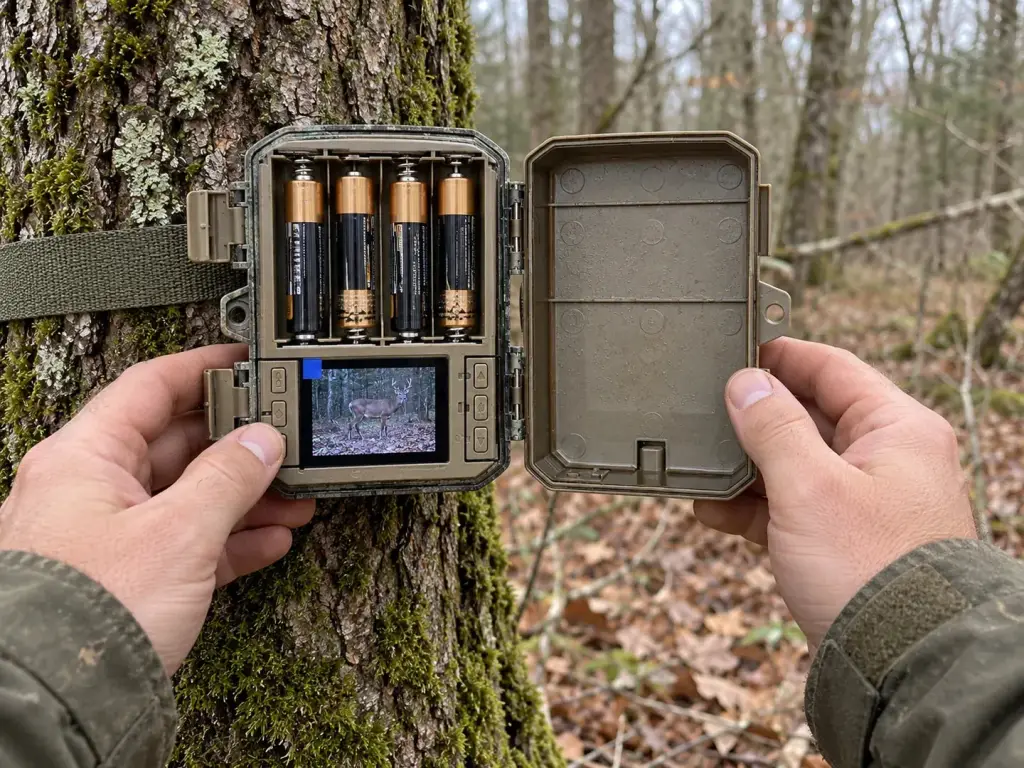
Not everyone needs a transfer. A camera without WiFi and without 4G has clear advantages: it needs no SIM card, no data and no app. It also works where there is no mobile signal. And it uses less power.
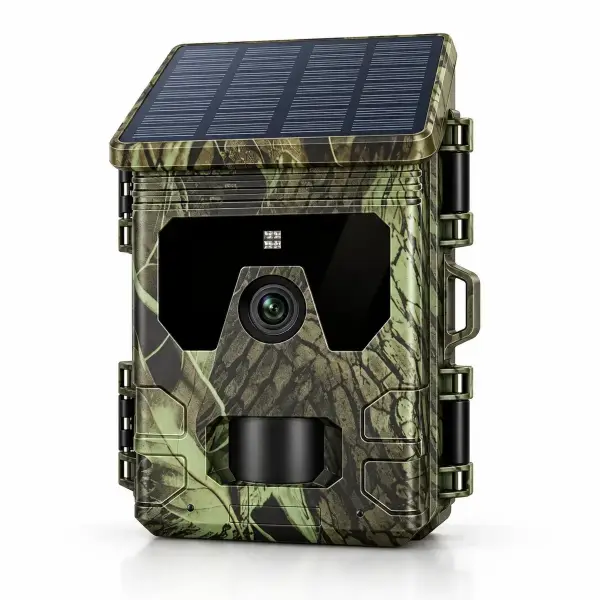
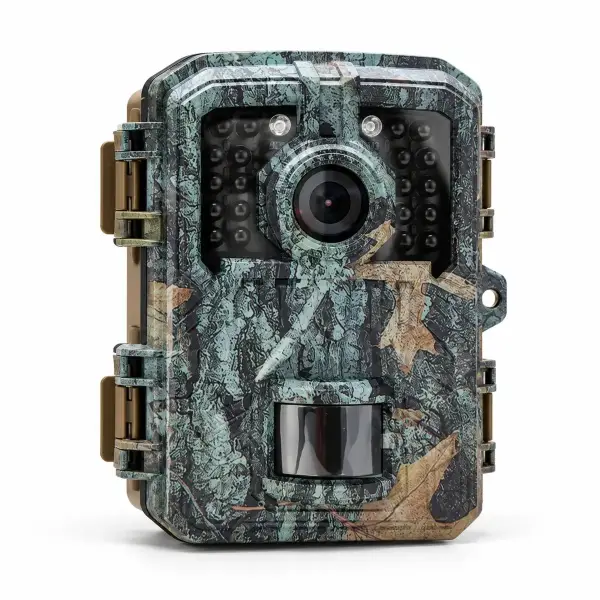
The display is what makes the difference. Instead of taking the memory card home and viewing it on a computer, you check the pictures right on the spot. Our Solar Trail Camera with Display, no subscription has a 2.0-inch colour screen, a solar panel built into the lid with a lithium battery and 36 invisible IR LEDs for the night. It records to microSD cards up to 128 GB. Even simpler is the Mini Trail Camera Full HD: small, quick to hide, with a built-in display and up to 6 months of standby on 4 AA batteries.
Our 4G trail cameras
If you really want to see pictures remotely, there is no way around 4G. Our range of trail cameras includes two models for this:
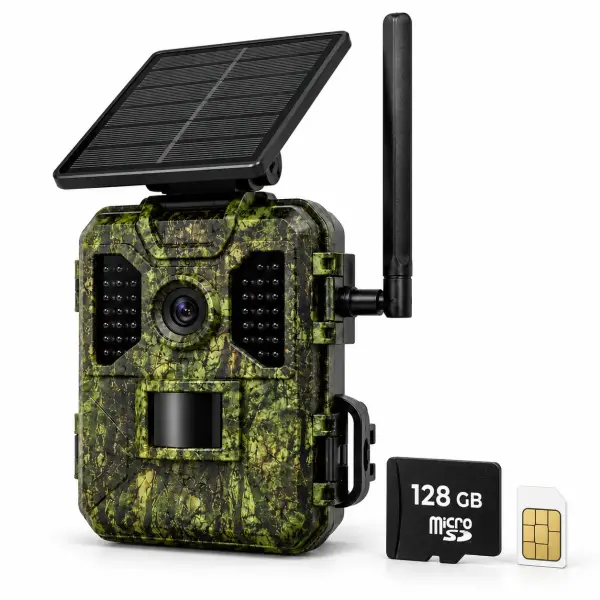
- 4G Trail Camera 4K with Solar Panel: photos and videos in 4K with sound, live view and instant notifications via the app, invisible 940 nm infrared, 4 W solar panel with 7,800 mAh battery, IP66 protection rating. A SIM card with trial data and a 128 GB memory card are included.
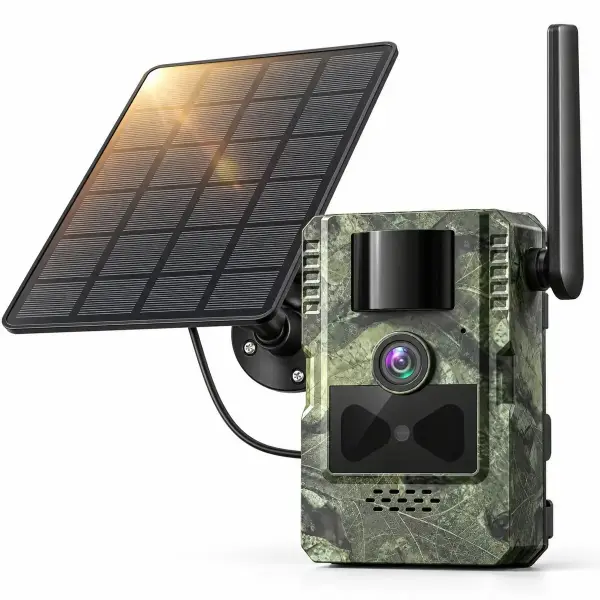
- 4G Solar Trail Camera 2.7K with Two-Way Audio: 2.7K video with sound, pictures straight to your phone, listen and speak through the app, 120° detection angle, detachable 4 W solar panel and 7,800 mAh battery. A SIM card with trial data is included; a microSD card is not.
Which camera for which use?
The right choice depends less on the technology than on the question: how often are you on site, and how quickly do you want to know?
- Garden next to the house, watching a hedgehog or fox: A camera with a display is often enough. You take a quick look in the morning. You will find placement tips in our guide wildlife camera for the garden.
- Hunting ground or woods far from home: 4G saves you many trips to check. You see straight away whether and when game shows up.
- Holiday home, allotment or cabin: 4G reports movement immediately, even if you are away for weeks. Only film your own property, not neighbours or public paths. This is not legal advice.
- Location without mobile signal: A cellular camera is no use here. Choose a camera with a display and a microSD card.
- Occasional observation with little effort: The Mini Trail Camera with AA batteries is quick to put up and quick to hide.
A cellular camera has another advantage: if it is stolen or damaged, you already have the earlier pictures on your phone. How to mount and secure your camera properly is covered in how to mount a trail camera and protect it from theft. For an overview of all buying criteria, see our trail camera buying guide.
Our recommendation
If you want to receive pictures wherever you are, WiFi is not the answer: 4G is. The 4G Trail Camera 4K with Solar Panel and live view is ready to use straight out of the box, because the SIM card and memory card are included. We dispatch within 24–48 hours with free delivery to Ireland, a 30-day money-back guarantee and a 3-year warranty.
Frequently asked questions
Can a WiFi trail camera send pictures to my phone when I am not there?
Usually not. Many WiFi trail cameras only create a local hotspot. You have to be near the camera to download the pictures. For pictures remotely you need a 4G trail camera with a SIM card, or a camera on your home network within range of the router.
How far does a trail camera’s WiFi reach?
Generally only a few metres. Trees, terrain and the housing weaken the signal. The exact range depends on the model and the surroundings.
Does a 4G trail camera need WiFi?
No. A 4G trail camera sends over the mobile network. It needs a SIM card with mobile data and 4G coverage at the location, but no WiFi.
Is there a trail camera with no subscription and no app?
Yes. Our Solar Trail Camera with Display and the Mini Trail Camera Full HD record to a microSD card. You view the pictures on the built-in display or on a computer. There are no data costs.
Does a 4G trail camera work everywhere?
Only where there is 4G coverage. Check the signal before mounting with a phone on the same network, held at the height the camera will hang. Without a signal the camera usually keeps saving to the memory card but cannot send anything.