Guides · · 8 min read
Trail Camera with SIM Card: How It Works, Data Plans and Usage
How a trail camera with a SIM card sends photos to your phone, which SIM and data plan suit it, and how to keep data usage under control.
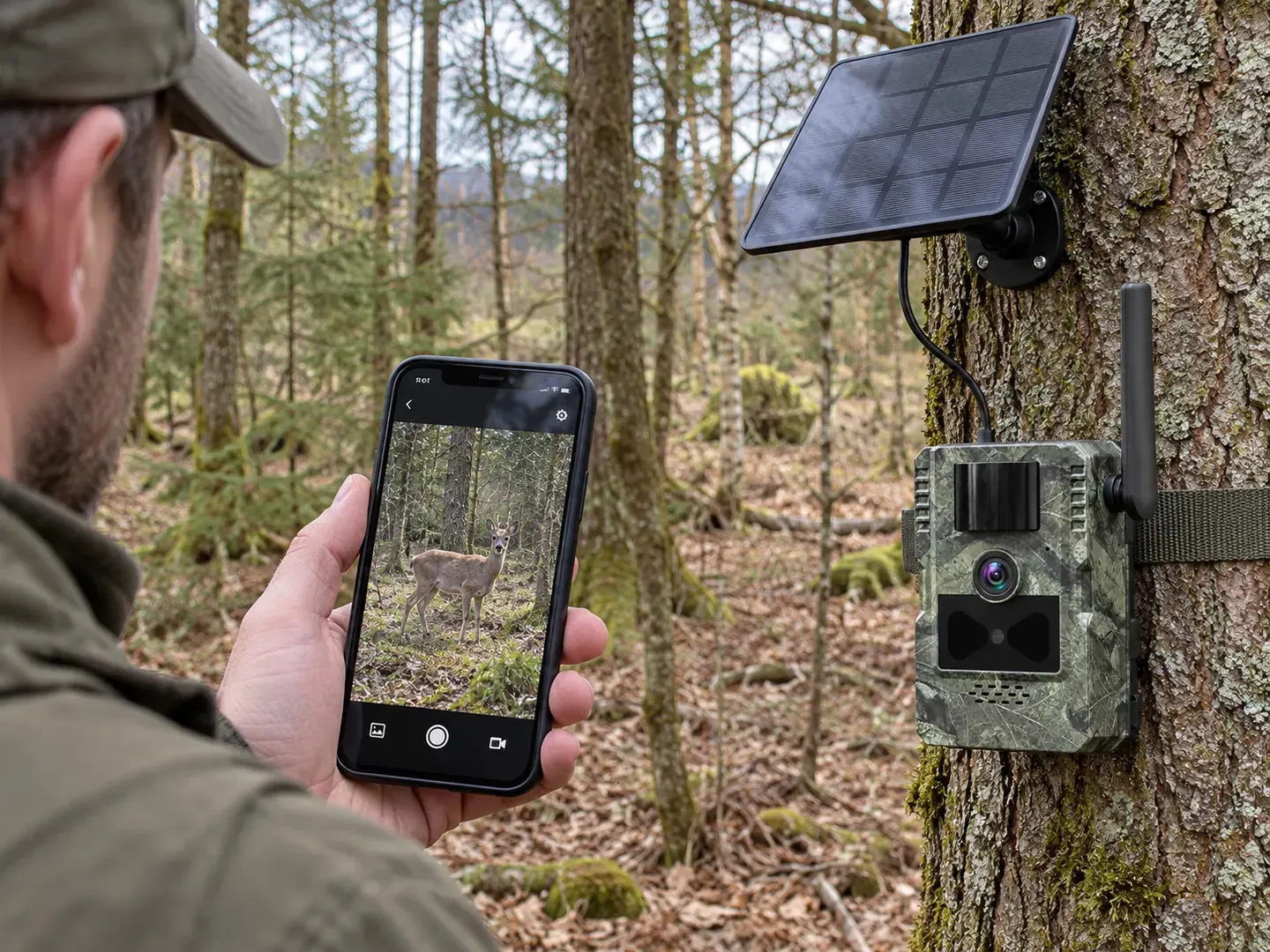
A trail camera with a SIM card sends photos and videos over the mobile network straight to your smartphone as soon as it detects movement. You need three things: a SIM card with mobile data, 4G coverage where the camera hangs and the right app. Here we explain step by step how a 4G trail camera works, which SIM suits it and what drives data usage.
How a trail camera with phone transfer works
A classic trail camera saves everything to its memory card. You only see the pictures when you walk out to the camera. A trail camera with phone transfer also has a built-in mobile modem, much like a smartphone. The process is always the same:
- Movement: The PIR sensor detects heat and motion in front of the camera.
- Capture: The camera takes a photo or video and saves it to the microSD card.
- Transfer: Using the SIM card, it sends the file over the mobile network to the app.
- Notification: Your smartphone alerts you to the new capture. You can view it in the app wherever you are.
The capture usually stays on the memory card as well. If the network drops out briefly, you still have the picture. What exactly is sent depends on your settings: photos only, videos too, or just a preview.
Trail camera with app: what the app does
The app is your camera’s remote control. What it can do depends on the model. Typical features are:
- instant notification when movement is detected
- a gallery of all transferred photos and videos
- settings you can change from the sofa
- live view or two-way audio, depending on the model
Our 4G models use the UCon app for iOS and Android. The 4G Trail Camera 4K offers instant motion alerts and live view directly on your smartphone. With the 2.7K model you can also listen and speak through the app.
Live view on a trail camera: what to expect
Live view means you open the camera image in real time on your phone, even when no animal is passing. That is handy when you want to check something specific, for example after a storm or when you are expecting an animal. Keep two points in mind, though. First, live view needs a stable signal. Second, it uses far more data and more power than single photos. For daily checks, the automatically transferred pictures are usually enough.
Which SIM card for a trail camera?
A trail camera does not need a special SIM card. Three points matter.
1. The right network at the location
The network operator matters more than the plan. In a forest or at the edge of a field, one network may work well and another barely at all. Check the signal at the exact spot you have in mind: take a phone with a SIM card on the same network and see whether it shows 4G or LTE. Hold the phone at roughly the height the camera will hang. Even a few metres can make a difference.
2. 4G and the right frequency bands
Many European operators have switched off their 3G networks or are in the process of doing so. A cellular trail camera should therefore support 4G (LTE). Networks use different frequency bands for this. Our 4G Trail Camera 4K works on bands B1, B3, B5, B7, B8 and B20, which covers the main LTE bands used in Europe. Band 20 has a particularly long range and is often decisive in rural areas.
3. Preparing the SIM card
- Turn off the PIN: The camera cannot enter a PIN. Put the SIM card in a phone first and disable the PIN request.
- Activate it: New SIM cards often need to be activated first. Do this at home.
- Data connection: Check that mobile data is allowed and included in your plan.
SIM for a trail camera: which plan suits you?
For a trail camera, data allowance is what counts. Calls and texts usually play no role. These are your options:
| Option | Advantages | What to watch out for |
|---|---|---|
| SIM card supplied with the camera | Ready to go straight away, no contract of your own needed | The trial data is only meant for getting started |
| Prepaid data SIM | Full control over costs, no minimum term | Top up in time and check how long your credit stays valid |
| Extra SIM on your mobile contract | Uses data you are already paying for | That data may then be missing on your phone |
| Separate data plan with a contract | Plenty of data for several cameras or lots of videos | Only worth it if you need a lot of data |
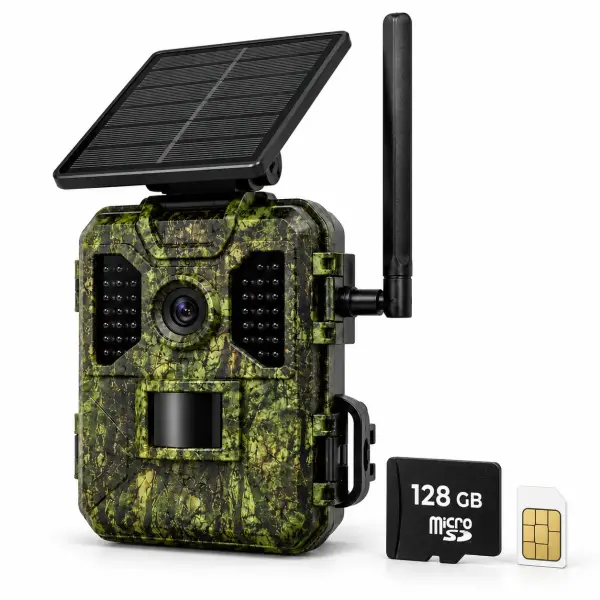
Both of our 4G trail cameras come with a SIM card. With the 4G Trail Camera 4K, it includes 100 MB of trial data for 7 days, so you can set up and test the camera straight away. After that you need a data allowance, for example from your own prepaid or data SIM. If you have questions about the right card, our customer service is happy to help Monday to Friday, 9 am to 6 pm.
Data usage: how much data does a trail camera need?
There is no single figure. Usage depends on your location and your settings. These factors make the difference:
- Number of triggers: A busy game trail produces far more pictures than a quiet corner of the garden.
- Photo or video: Videos are many times larger than photos.
- Transferred quality: Many cameras send a reduced version and keep the original on the memory card.
- Live view: Every minute of live view uses data.
- False triggers: Moving branches, grass or sun reflections trigger empty pictures, which are transferred too.
How to keep usage low
- Start by transferring photos and only switch on videos when you need them.
- Watch how quickly your data goes down in the first week. The trial data is a good yardstick for this.
- Remove branches and tall grass from the field of view.
- Adjust the sensitivity and the pause between two captures. Our guide trail camera settings explained shows you how.
- Use live view when you need it rather than all the time.
Network coverage: what to do with a weak signal
A weak signal is the most common reason why pictures arrive late or not at all. Before you give up on the camera, try the following:
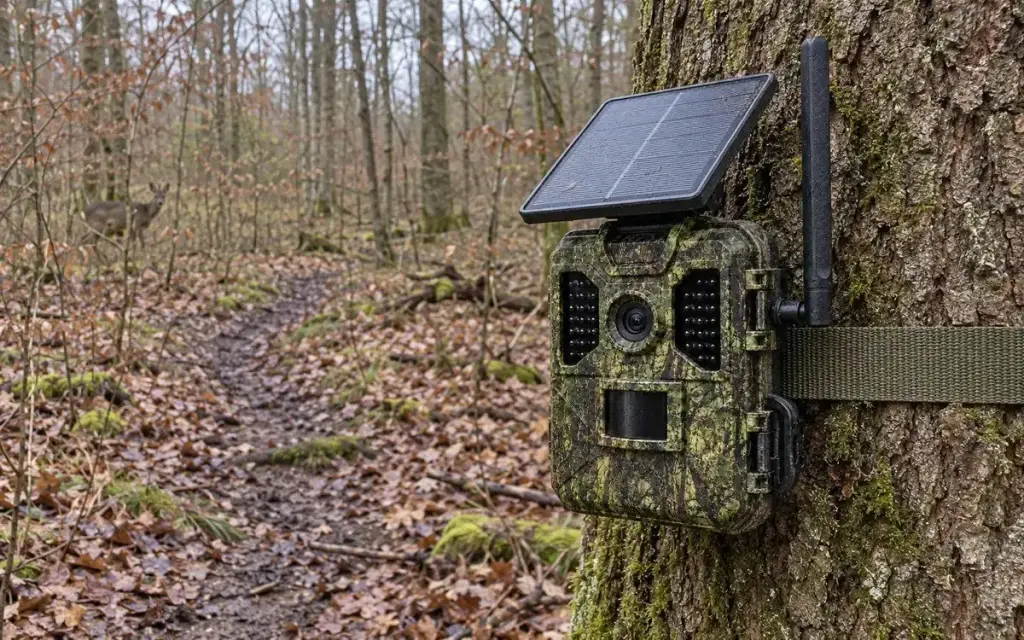
- Hang the camera a little higher, or on a tree at the edge of the woods rather than deep inside.
- Avoid hollows and dips. The signal is often worse there.
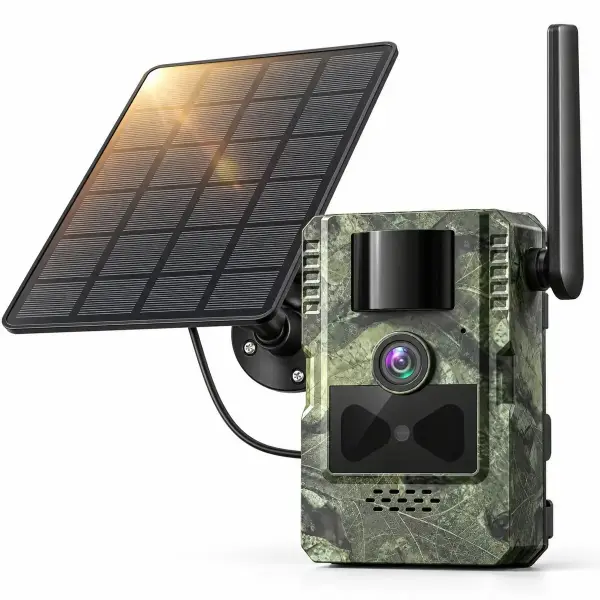
- Point the antenna straight up if your camera has one. The 2.7K model comes with a 4G antenna.
- Test a SIM card from a different network.
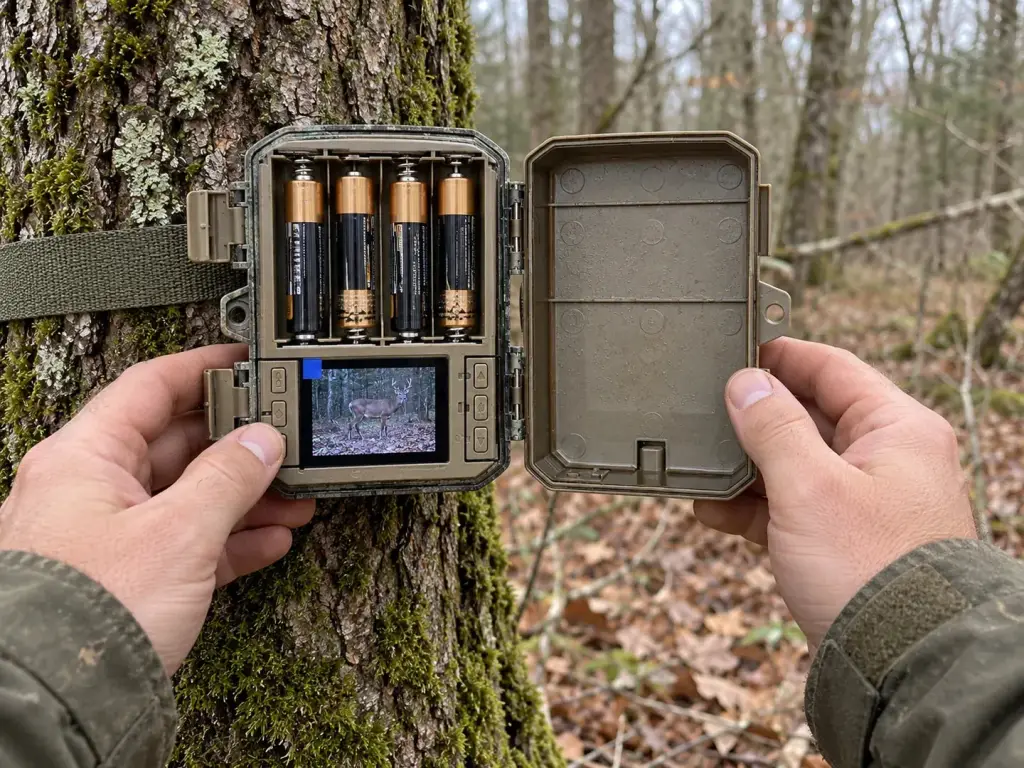
If there is no signal at all at the location, a cellular camera is the wrong choice. A classic camera such as our Solar Trail Camera with Display, no subscription is better: it records to a microSD card, and you view the pictures directly on its 2.0-inch screen. We explain the exact difference between the transfer methods in our article WiFi or 4G trail camera.
LTE trail camera and power: solar pays off
Sending over the mobile network uses energy. A 4G trail camera therefore needs more power than a camera that only records to a memory card. Both WildenoCam 4G models have a 7,800 mAh battery and a 4 W solar panel. The panel helps charge the battery. Place it in a bright spot, ideally free from shade. You will find more about batteries, solar panels and winter use in our guide trail camera batteries and solar power.
Our trail cameras with SIM card at a glance
Our range of trail cameras includes two models with a SIM card. Here is how they differ:
| Feature | 4G Trail Camera 4K with Solar Panel | 4G Solar Trail Camera 2.7K with Two-Way Audio |
|---|---|---|
| Photos and videos | 4K, with sound recording | 2.7K video with sound |
| App features | Live view, instant notifications | Pictures to your phone, listen and speak |
| Night vision | Invisible 940 nm infrared (no glow) | Infrared |
| Motion detection | PIR, trigger time approx. 0.2 s, up to 19 m, approx. 90–95° | PIR, 120° |
| Power | 7,800 mAh battery and 4 W solar panel | 7,800 mAh battery and detachable 4 W solar panel |
| SIM card | Included, with trial data | Included, with trial data |
| Memory card | 128 GB included | microSD not included |
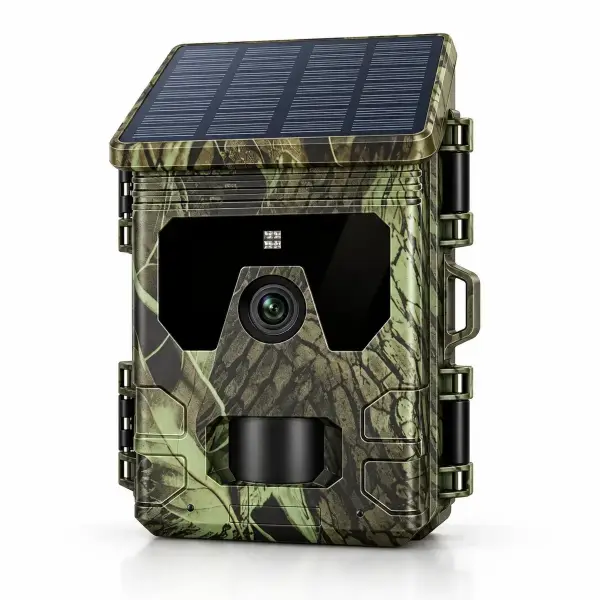
The 4G Trail Camera 4K with Solar Panel is complete out of the box: the SIM card and a 128 GB memory card are included, the housing is rated IP66 and it works from −25 to +60 °C. The 4G Solar Trail Camera 2.7K with Two-Way Audio is the right choice if you also want to listen or speak through the app and need a wide 120° field of view.
A quick word on privacy
A cellular camera does not change the rules: only film your own property or land you have permission for. If the camera captures people, data protection rules apply. Our article Are trail cameras legal? gives an overview. This is not legal advice.
Our recommendation
If you want to see pictures remotely and have 4G coverage at the location, the 4G Trail Camera 4K with SIM card and solar panel is the simplest solution: unpack it, install the app, hang it up. We dispatch within 24–48 hours with free delivery to Ireland. You get a 30-day money-back guarantee with free returns and a 3-year warranty.
Frequently asked questions
Do I need a subscription for a trail camera with a SIM card?
The camera needs mobile data, but not necessarily a fixed-term contract. A prepaid data SIM is enough. Our 4G trail cameras come with a SIM card with trial data; after that you can use your own prepaid or data SIM, for example.
Which SIM card is best for a trail camera?
Choose the network with the best 4G signal where the camera will hang. Test it beforehand with a phone on the same network. The SIM card’s PIN request must be disabled, and the plan must include mobile data.
What happens if there is no signal at the location?
Then the camera cannot send anything. Captures are usually still saved to the microSD card. For places with no signal at all, a classic trail camera with a display and no SIM card is the better choice.
Can I run several trail cameras on one SIM card?
No. Each camera needs its own SIM card. You can, however, manage several cameras in the same app if the model supports it.
How much data does a trail camera with a SIM card use?
That depends on the number of triggers, on photo or video and on how much you use live view. Videos and live view use the most. Monitor usage in the first week, then adjust your settings and plan.