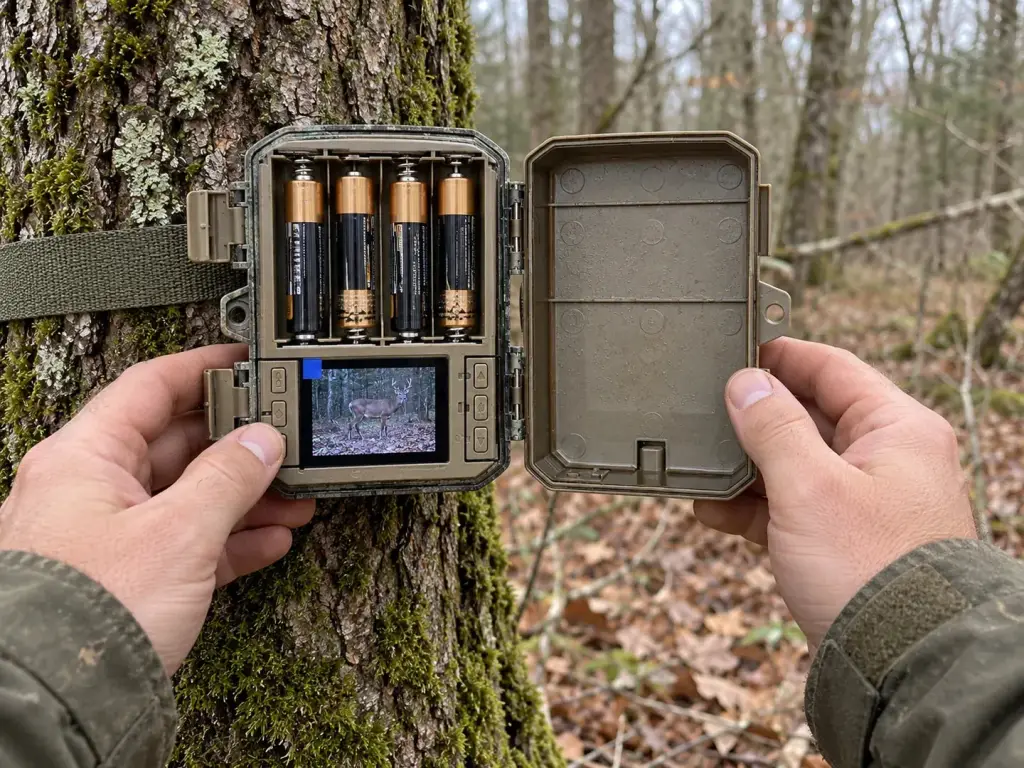
Guides · · 8 min read
SD Card for a Trail Camera: Which Memory Card Is Right?
Which memory card fits your trail camera? Format, speed class, capacity and formatting explained simply, with realistic guide figures for 128 GB.
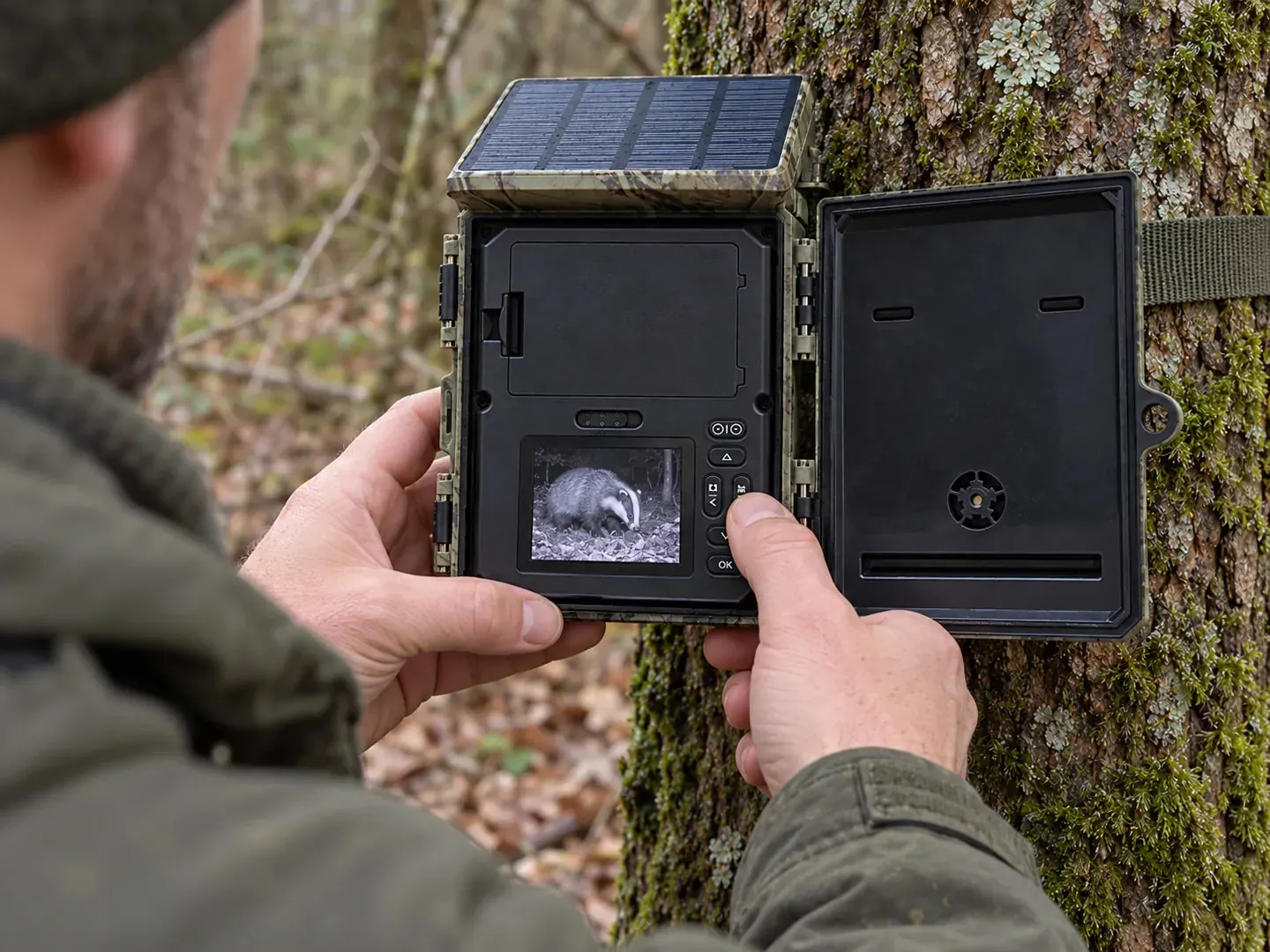
For most trail cameras, a U1 or U3 microSD card is the right choice. What matters is the maximum capacity your camera supports: many simple models only read cards up to 32 GB, others up to 128 GB. Always format every new SD card for your trail camera directly in the camera, not on a computer.
In this guide you will learn what to look for in a memory card for your trail camera, which markings on the card really matter and roughly how many recordings fit on a card.
microSD or SD: which card format does your trail camera need?
Trail cameras use either the full-size SD card or the small microSD card. Which one you need is stated in the manual and usually right next to the card slot as well. Technically both formats work the same way; only the size is different.
Modern, compact models almost always use microSD. This also applies to all cameras in our range. A microSD card can be read in an SD card reader on a computer using an adapter. It does not work the other way round: a full-size SD card never fits in a microSD slot.
Trail camera memory card: understanding the speed class
Every card carries several symbols. They indicate the minimum speed at which the card can write. For a trail camera, write speed is important, because after a trigger the camera has to save photos and videos quickly.
| Marking | Minimum write speed | Suitability for trail cameras |
|---|---|---|
| Class 10 | 10 MB/s | Sufficient for photos and Full HD video |
| U1 (UHS Speed Class 1) | 10 MB/s | Good basic choice |
| U3 (UHS Speed Class 3) | 30 MB/s | Recommended for 2.7K and 4K video |
| V30 (Video Speed Class 30) | 30 MB/s | Recommended for 4K video |
Rule of thumb: for photos and Full HD video, Class 10 or U1 is enough. If you film in 2.7K or 4K, choose U3 or V30. A card that is too slow can cause videos to cut off or stutter, or the camera may take longer to be ready again after a recording.
Very fast cards with high read speeds, on the other hand, bring hardly any benefit in a trail camera. The read speed, often printed in large figures, only affects reading the card on a computer.
Which capacity? 32 GB, 64 GB or 128 GB
The most important rule is: stick to the maximum capacity given in the manual. A larger card is not automatically recognised better. Often it is not recognised at all, or the camera reports a card error.
Here is how it looks for our models:
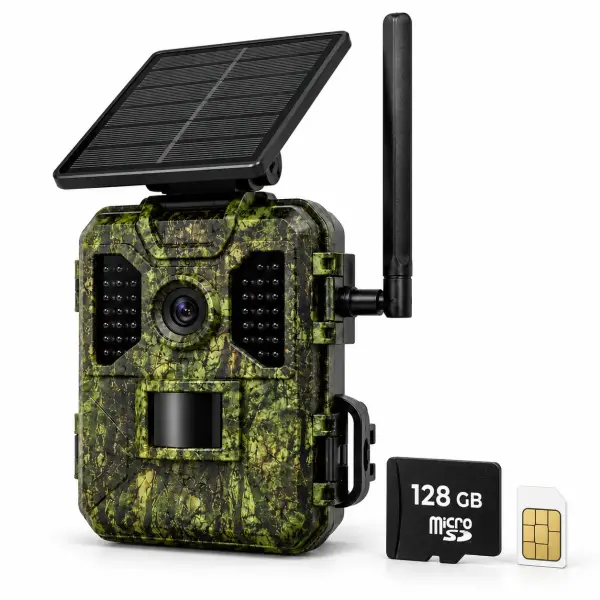
- The 4G Trail Camera 4K with Solar Panel already comes with a 128 GB microSD card, so you can get started straight away.
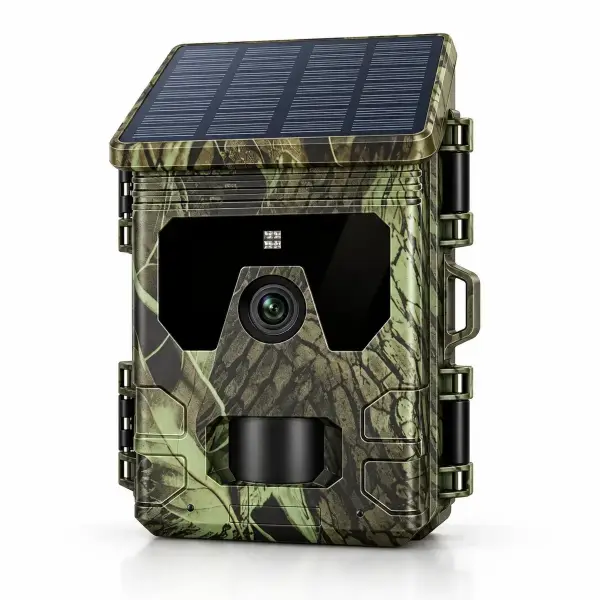
- The Solar Trail Camera with Display takes microSD cards up to 128 GB. A card is not included.
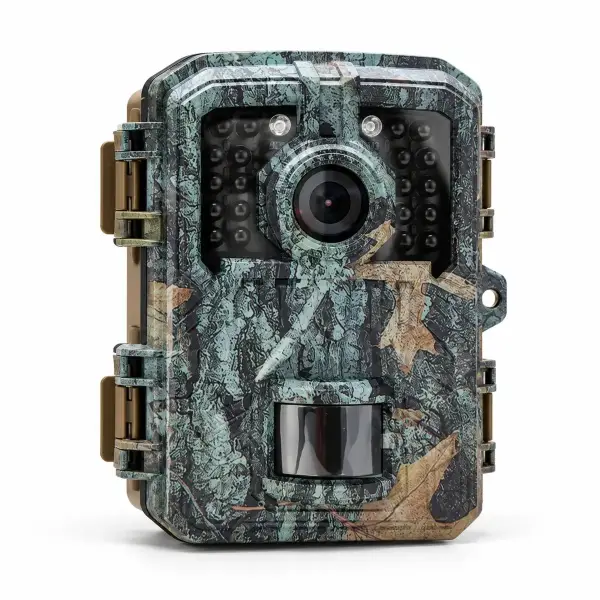
- The Mini Trail Camera Full HD uses microSD cards up to 32 GB. No card is included here either.
- The 4G Solar Trail Camera 2.7K with Two-Way Audio does not come with a microSD card. Check the maximum capacity in the enclosed manual.
How much storage you really need depends on how often you change or read the card. If you check every week, 32 GB is usually plenty. If you leave the camera alone for several weeks and film a lot, 64 or 128 GB will serve you better.
SDHC and SDXC: what the names mean
Cards up to 32 GB are called SDHC or microSDHC. Cards from 64 GB are called SDXC or microSDXC. Cameras that only support up to 32 GB are generally designed for SDHC only. An SDXC card is not a good idea there, even if it fits in the slot.
FAT32 or exFAT: the right file system
The file system determines how data is organised on the card. Out of the factory, the usual rule is:
- FAT32 is the usual format for cards up to 32 GB.
- exFAT is the usual format for cards from 64 GB.
Many trail cameras expect a particular file system. That is why the simplest way is also the safest: let the camera format the card itself. It then automatically chooses the right format. If you format the card on a computer, the camera may not recognise it.
Formatting the memory card in your trail camera: step by step
- First back up all recordings you want to keep. Formatting deletes everything.
- Switch off the camera and insert the card. Make sure it is the right way round.
- Switch the camera on in setup mode.
- Open the menu and choose the function for formatting the card.
- Confirm and wait until the process is complete.
- Take a test shot and check that it has been saved.
Also reformat the card if it was previously used in another device, such as an action camera or a smartphone. How to set the resolution, interval and sensitivity sensibly afterwards is explained in our guide trail camera settings explained.
How many recordings fit on 128 GB?
Nobody can honestly give an exact figure. File size depends on the camera, the resolution, the image compression and the subject. Black-and-white night recordings, for example, are often smaller than detailed daytime pictures. The following values are therefore only rough guide figures.
| Type of recording | Typical size (rough) | Approximately on 128 GB |
|---|---|---|
| Photo | a few MB per picture | several tens of thousands of photos |
| Full HD video, 10 seconds | about 10 to 40 MB | a few thousand clips |
| 4K video, 10 seconds | about 40 to 100 MB or more | roughly 1,000 to 3,000 clips |
Long videos in high resolution use the most storage. If the card fills up quickly, shorter video clips, a longer interval between two triggers or photo-only mode will help. A badly placed camera also fills the card quickly: moving branches, grass or direct sun trigger unnecessary recordings. You will find mounting tips in our guide how to mount a trail camera and protect it from theft.
Memory card and 4G trail camera: do you even need one?
Yes. A cellular 4G trail camera also saves its recordings to the memory card. The pictures are additionally sent to your smartphone over the mobile network. The card is therefore the local archive. If the signal drops out, the recordings are still safely stored on the card.
Read more about mobile transfer and choosing a data plan in our guide trail camera with SIM card.
Practical tips for a reliable memory card
- Buy branded cards from a reputable source. Counterfeit cards often state a higher capacity than they really have. Recordings are then lost.
- Keep a second card handy. That way you can swap the card on site and look through the recordings calmly at home.
- Only change the card with the camera switched off. Removing the card while it is writing risks corrupted files.
- Empty it regularly. A full card means no new recordings.
- Bear the cold in mind. In frost, batteries and electronics work more slowly. A high-quality card is the safer choice here.
- Avoid moisture. Try not to change the card in the rain, and close the housing carefully afterwards.
- Think about theft. If the camera is stolen, the card goes with it. A cable lock for trail cameras makes that much harder.
Reading and backing up recordings
With cameras that have a display, you can view the recordings right on the spot. That saves a trip if you just want to check quickly whether an animal has been by. For reviewing and archiving, a computer is more convenient.
- Remove the card with the camera switched off.
- Read it with a card reader on your computer. For microSD cards you usually need an adapter.
- Copy the files to a separate folder, for example sorted by date and location.
- Do not then wipe the card on the computer; format it in the camera the next time you use it.
Only keep recordings you really need. If recordings accidentally show people, delete them promptly.
Common errors and quick fixes
The camera reports “card error” or “no card”
First check that the capacity suits the camera. Then reinsert the card and format it in the camera. If that does not help, try a different card.
Videos cut off or will not play
Usually the card is too slow for the selected video resolution. Use a U3 or V30 card or set a lower resolution.
The card fills up much faster than expected
Common causes are long videos, a very short interval or false triggers from plants and sunlight. Check the settings and the location.
Our recommendation
If you do not want to worry about the memory card, the 4G Trail Camera 4K with Solar Panel is the simplest solution: it comes with a SIM card and a 128 GB microSD card and is ready to use straight out of the box. You will find all other models in our trail cameras overview.
Frequently asked questions
Which memory card do I need for my trail camera?
In most cases a microSD card with Class 10, U1 or U3. For 2.7K and 4K video, U3 or V30 is recommended. The maximum capacity is stated in your camera’s manual.
Can I put a 128 GB card in any trail camera?
No. Many simple models only support cards up to 32 GB. A larger card is often not recognised there. Always follow the manufacturer’s specification.
Do I need to format the memory card before first use?
Yes, that is recommended. Format the card directly in the trail camera. That way the camera chooses the right file system and you avoid storage errors.
FAT32 or exFAT: which is right?
Cards up to 32 GB are usually formatted with FAT32, larger cards with exFAT. The safest option is to let the camera format the card.
Does a 4G trail camera need a memory card?
Yes. The camera saves all recordings to the card and also sends them to your smartphone over the mobile network. If the signal is poor, the recordings remain on the card.
Do WildenoCam cameras come with a memory card?
The 4G Trail Camera 4K with Solar Panel comes with a 128 GB microSD card. The other models do not include a card.